
Oh my posh now works with Claude CLI adding info to the status line!
- 2026-01-08
- 2 minutes to read
Table of Contents
Introduction
I have been using Oh My Posh for a while now to enhance and align my command line prompts across various shells and environments. I spotted just before Christmas that Oh My Posh now has support for Claude CLI and it is SO EASY to set up!
Steps
First you need to have Oh My Posh if you haven’t already. I have written about installing oh my posh across my tools which you can follow if you don’t already have Oh my Posh set up.
To enable it in Claude CLI you need to add the following to your oh my posh settings file:
{
  "statusLine": {
    "type": "command",
    "command": "oh-my-posh claude",
    "padding": 0
  }
}
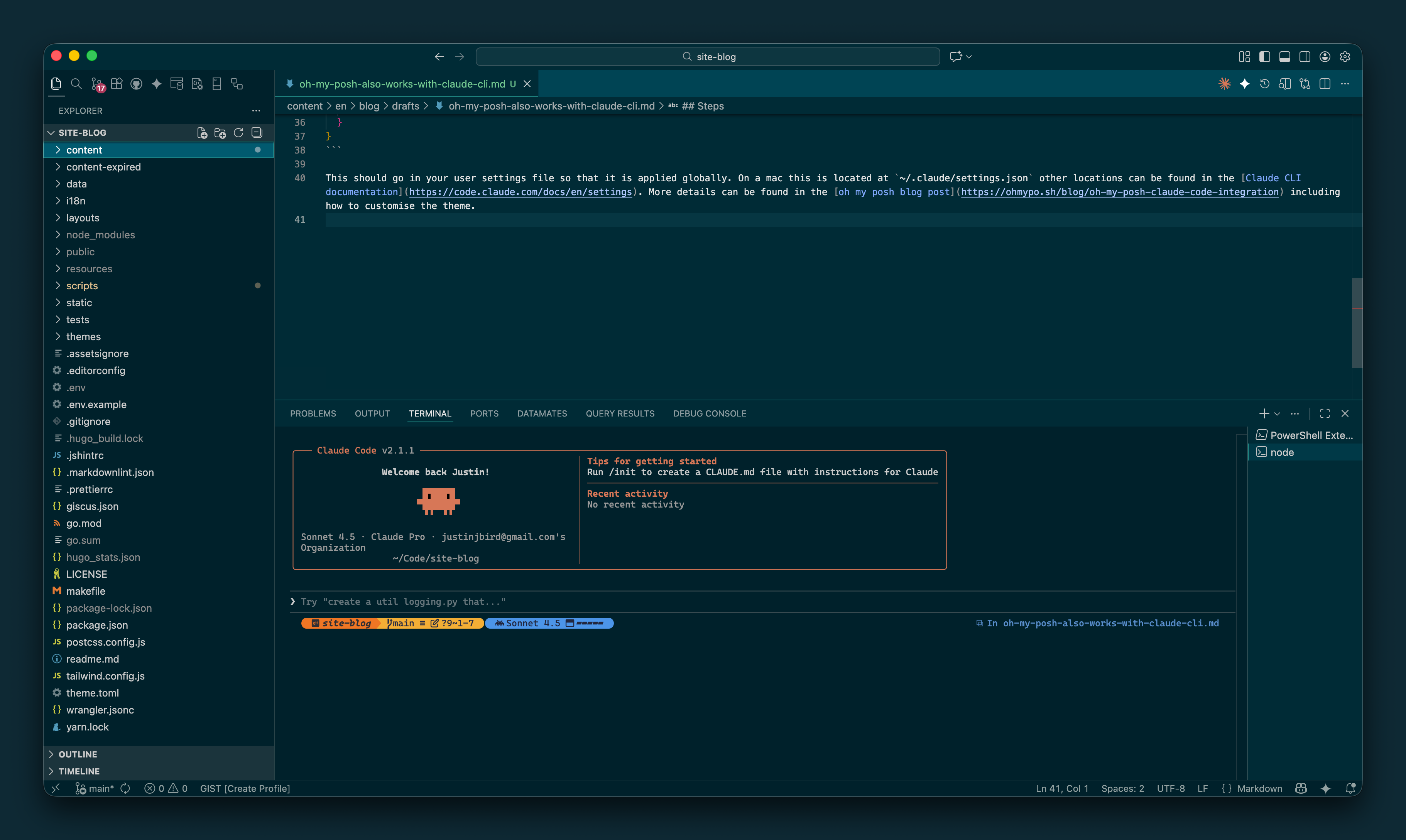
Restarting the Claude CLI will then present you with a status line that looks like this:
 .
.
This should go in your user settings file so that it is applied globally. On a mac this is located at ~/.claude/settings.json other locations can be found in the Claude CLI documentation. More details can be found in the oh my posh blog post including how to customise the theme.
Final note
I did have to update to the latest version of Oh My Posh to get this working, so if you have an older version you may need to update first!

#mtfbwy
Comments