
Running Python Code on the ISS with Astro Pi
Table of Contents
Introduction
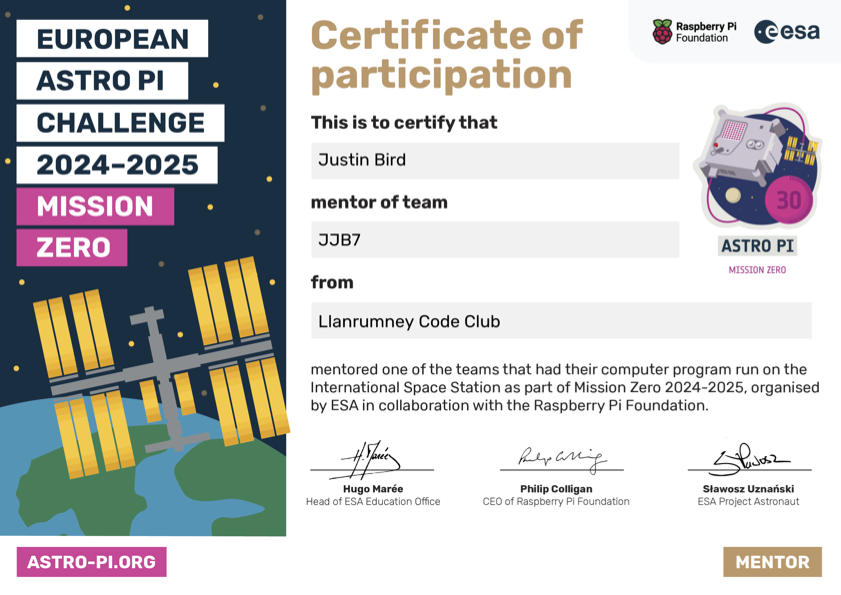
Last week I got to present my Code Club coders with certificates for completing the Astro Pi Mission Zero project. Back in March the kids created a program that would run on Astro Pi kit aboard the International Space Station (ISS).
What is an Astro PI?
Astro Pi is a small Raspberry Pi computer developed by the Raspberry Pi Foundation (RPF), in collaboration with the UK Space Agency and the European Space Agency (ESA). Astro Pi computers come with a set of sensors and gadgets that can be used to run great scientific experiments by means of computer coding.
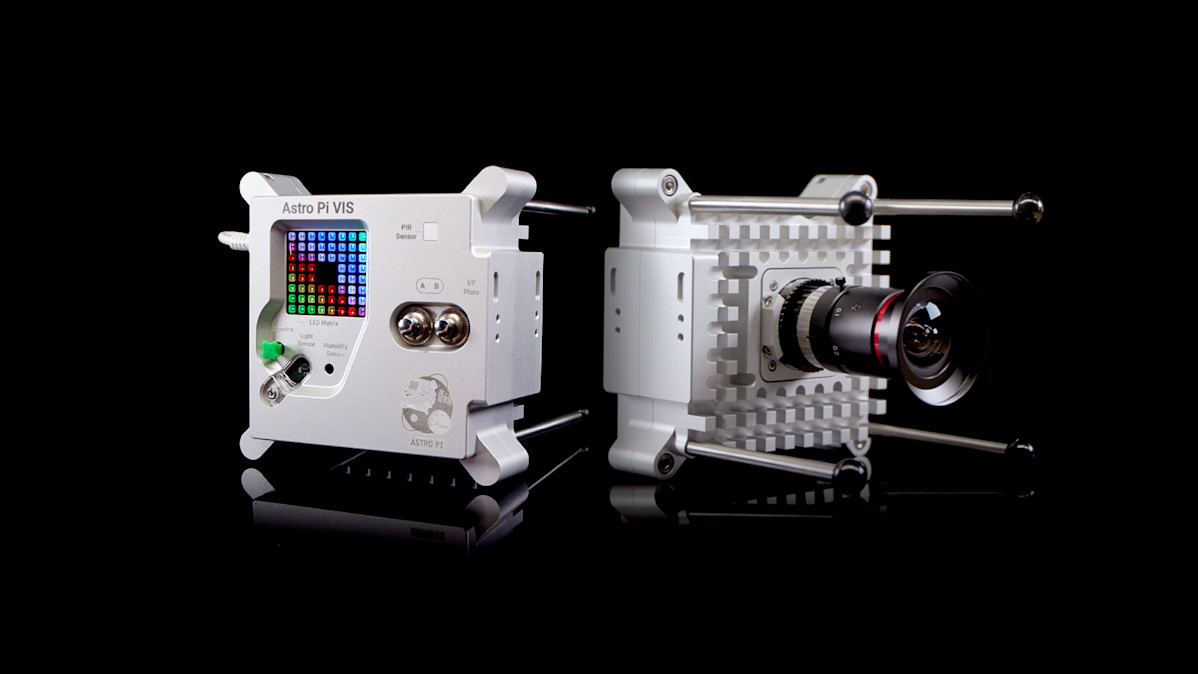
What is Mission Zero?
The children were set a challenge to write a simple program to take a reading from the colour and luminosity sensor on an Astro Pi computer on board the International Space Station, and use it to set the background colour in a personalised image which they also had to program. After testing the programs, the Astro Pi Mission Control team sent them up to run on the International Space Station.
The Mission
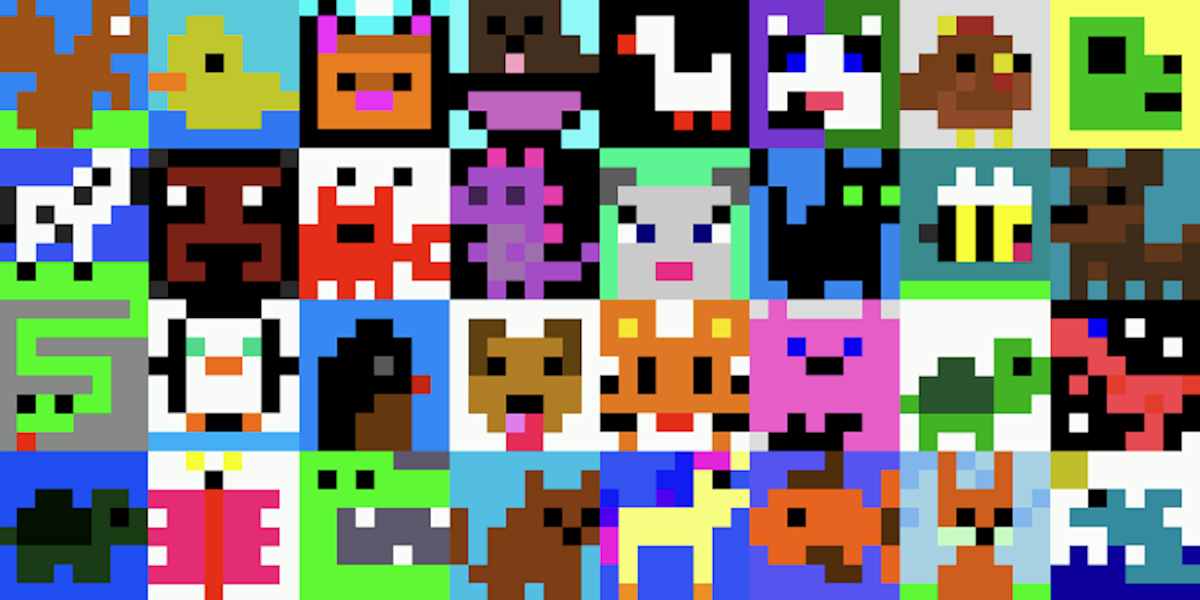
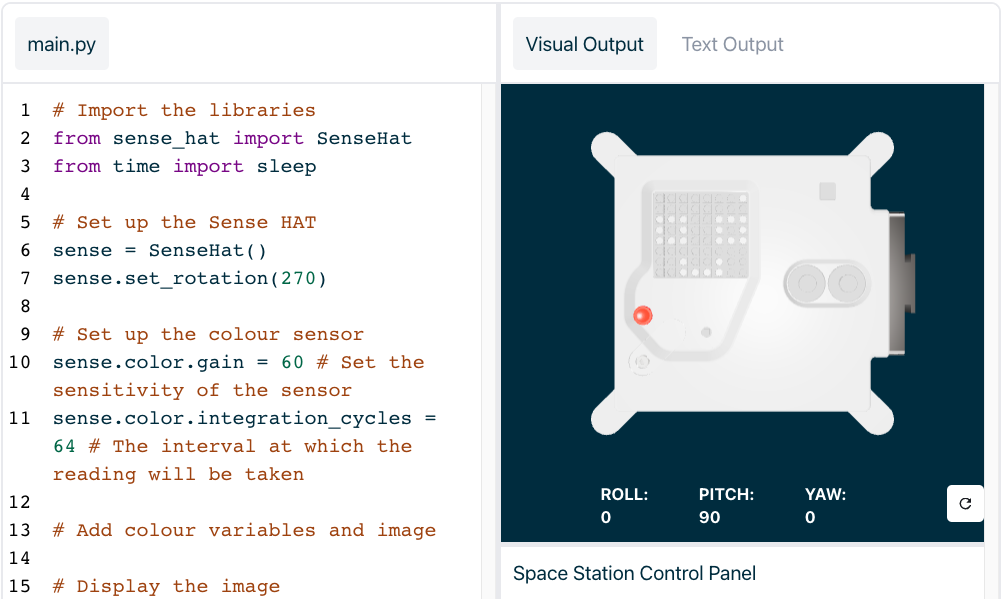
The first challenge was to draw an 8x8 image using by setting rgb values in a grid. Once the complete, the next step was to write a command that used the luminosity sensor on the Astro Pi to capture the amount of red, green and blue reaching the sensor. The captured colour would be used to alter the colour of their image. Final step was to place all of this within a loop that would repeat for 30 seconds. This meant that once their program started the astronauts could move the Astro Pi around the ISS and thei image would respond to the change in colour.
Mission Accomplished
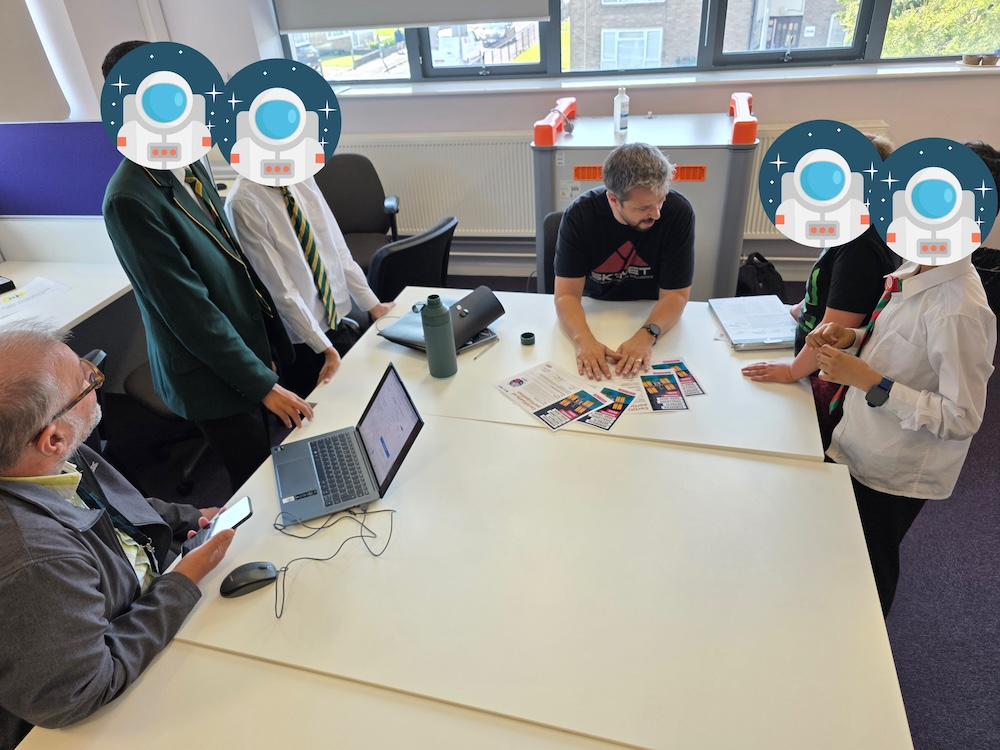
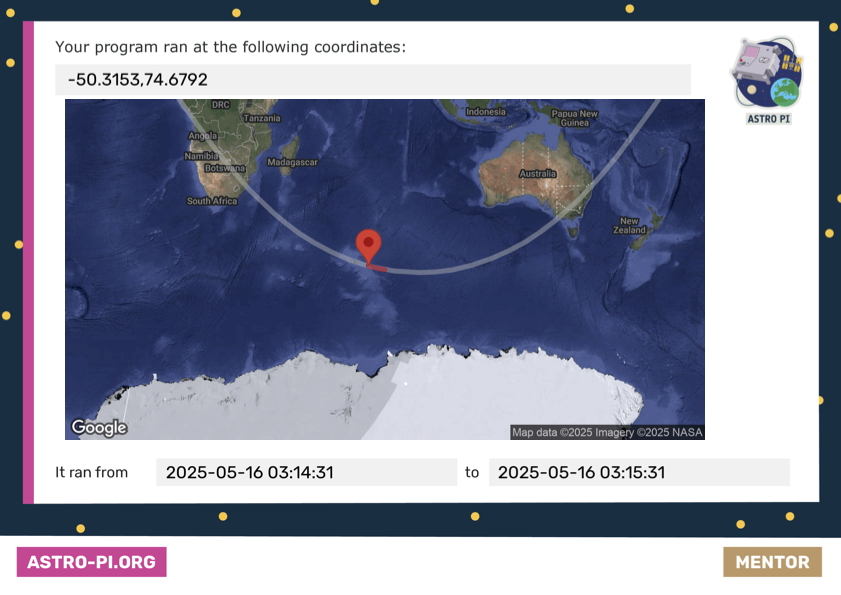
After a bit of a nervous wait hoping that their code ran successfully I got to present some very proud kids with their certificates this week. Signed by the head of ESA, the CEO of the Raspberry Pi foundation and the Astronaut coordinating the program, the certificate also included a map with coordinates and times of when their program was run and how far the ISS travelled whilst their program was being executed!
Next Mission
The kids had some fun working out where the ISS was when each of their programs were run, and first question was when is the next one! In September this year a more complex project called Mission Space Lab is being launched where they have the chance to run scientific experiments on the ISS.
Links
Here are some videos explaining more about the project and the device aboard the ISS:
STEM
I’m a STEM Ambassador, helping to develop the next generation of technologists, initiatives such as this help kids to explore and challenge themselves. It also gives me opportunities to talk to, coach and mentor children about the tech industry and lower the barrier of entry. My contributions to STEM are some of the most rewarding things I do and would encourage anyone to consider becoming a STEM Ambassador.

#mtfbwy
Comments