
Set up Microsoft Fabric with Microsoft 365 Developer Account
Table of Contents
A long time ago in a galaxy far, far away…
This post is over 3 months old, Fabric is evolving at such a rapid pace!! Please be mindful of that when reading this post, young Padawan, as it could be outdated. I try to keep things up to date as much as possible. If you think something needs updating, please let me know in the comments.
Introduction
Microsoft Fabric is an all-in-one analytics solution for enterprises that covers everything from data movement to data science, Real-Time Analytics, and business intelligence. It offers a comprehensive suite of services, including data lake, data engineering, and data integration, all in one place.
In this post, I will show you how to get started with Microsoft Fabric using a Microsoft 365 Developer Account. This will provide you with a Microsoft 365 E5 subscription where you can provision Microsoft Fabric.
Create a Microsoft 365 Developer Account
To get started with Microsoft Fabric, you will need a Microsoft 365 Developer Account. You can sign up for a free account at this evergreen link . You will be assigned a Microsoft 365 E5 developer subscription which you can use for non-production projects i.e. learning purposes. Sign in, answer a few details about you, then use the quick start settings:
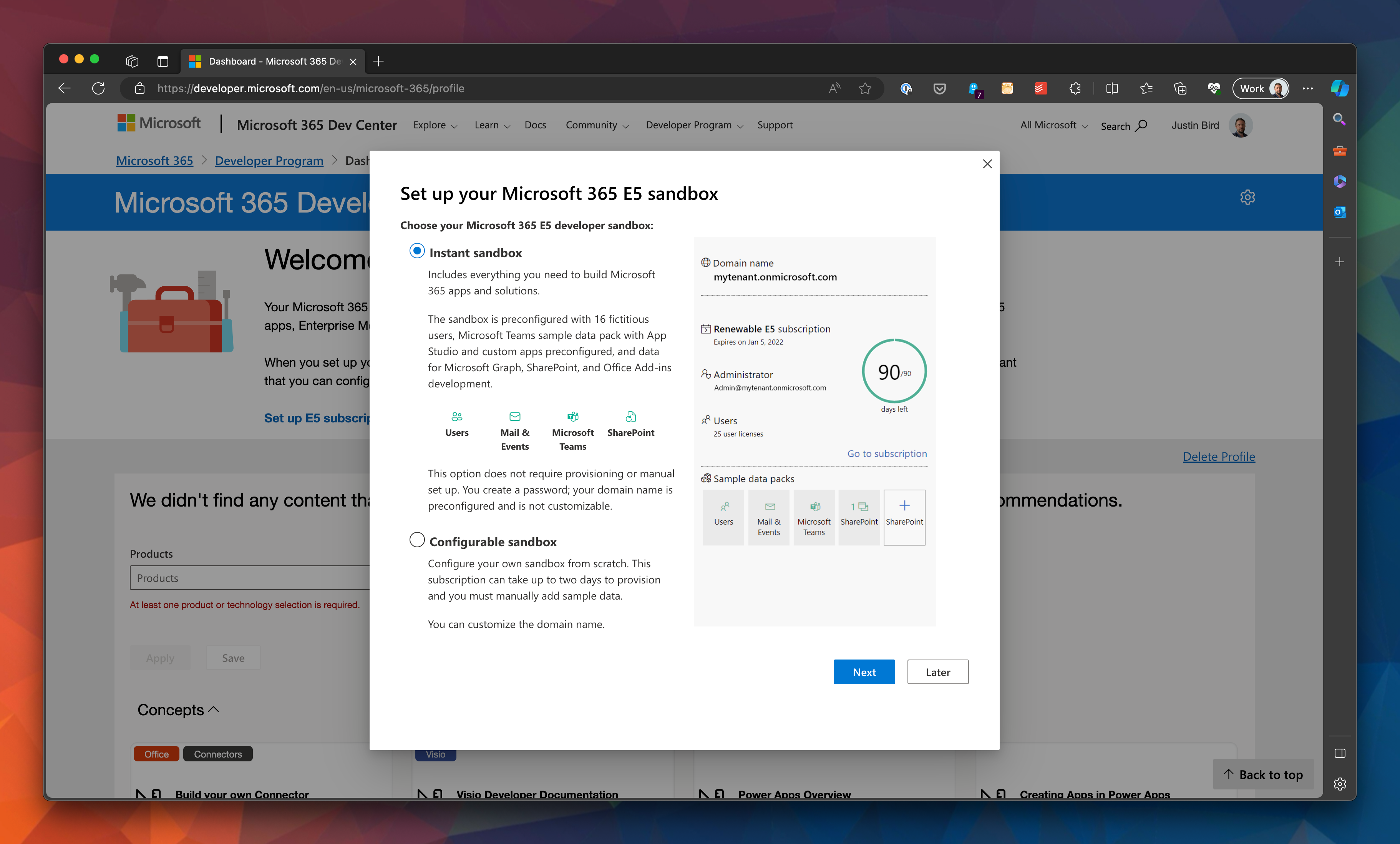
Create a login for this account. Note that this is not the same as your current Microsoft account.
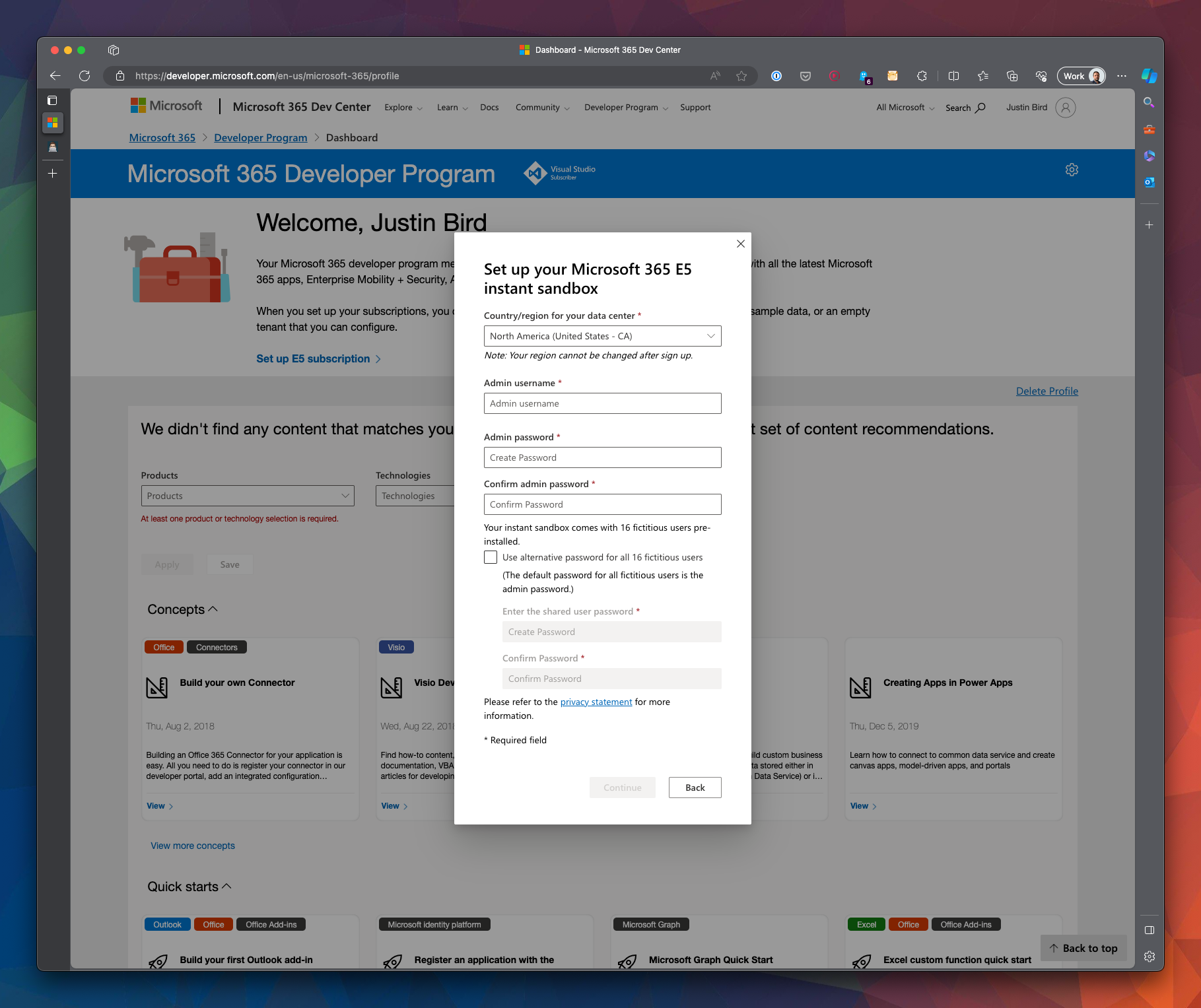
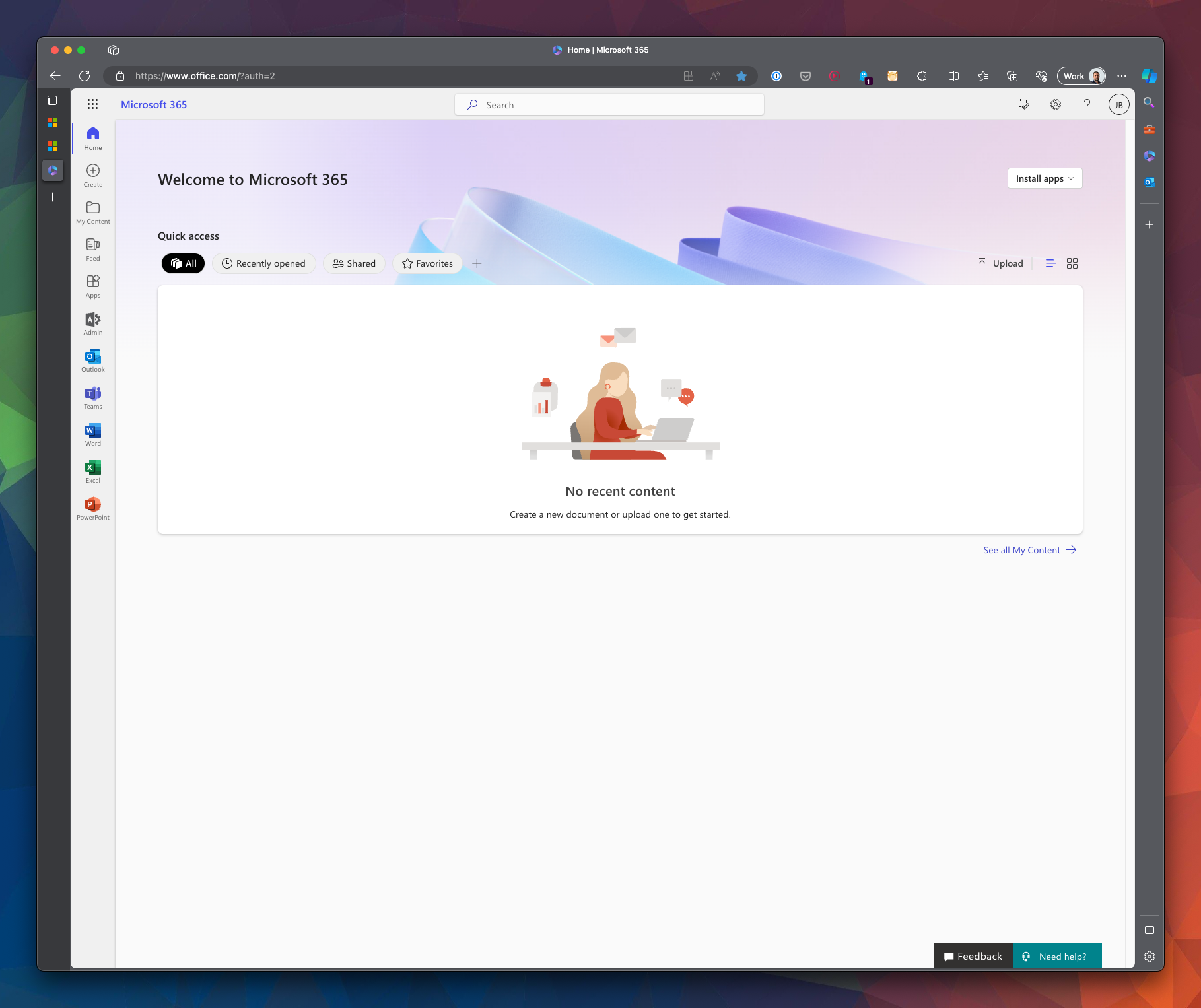
Once your sandbox subscription is created, it will have a domain name similar to yourdomain.onmicrosoft.com and so your account’s email address will be adminusername@yourdomain.onmicrosoft.com . Once your Developer Sandbox is created, you can log in to Microsoft 365 using your new account.
Enable Microsoft Fabric
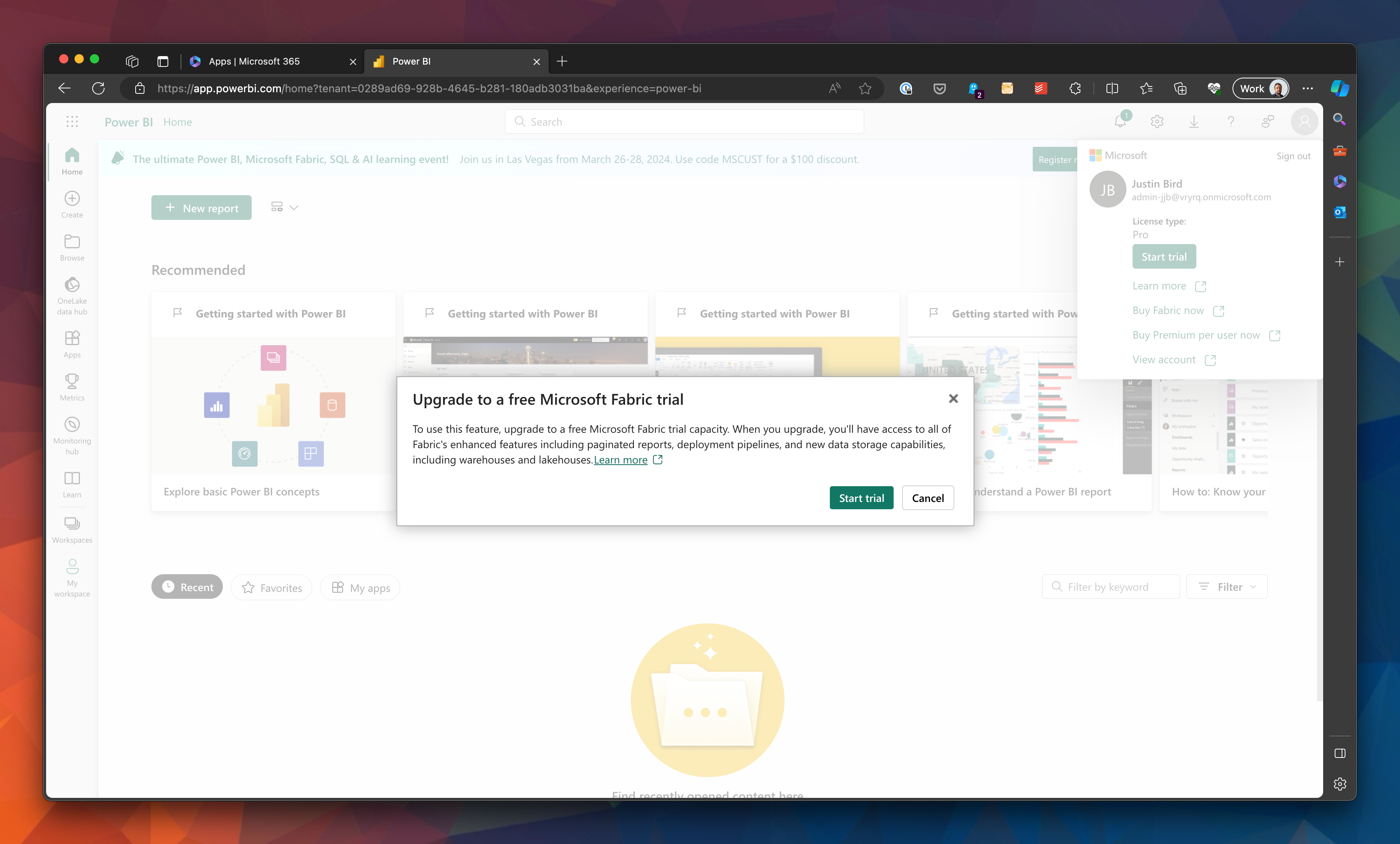
Open up Power BI , you will need to sign in using your new developer admin account. Click on your profile icon in the top right-hand corner and click start trial:
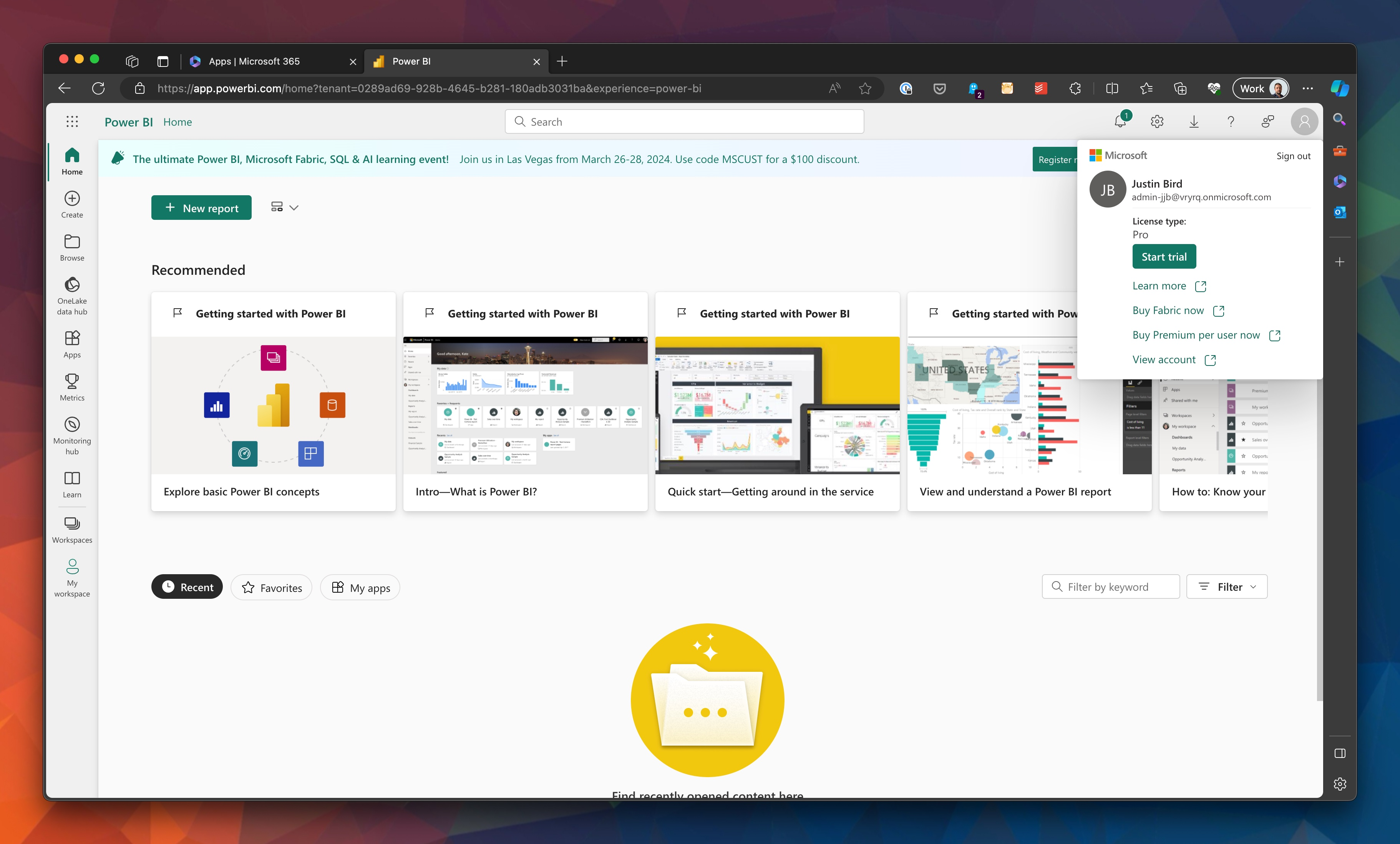
You get a warning about upgrading, yada, yada, click the button!
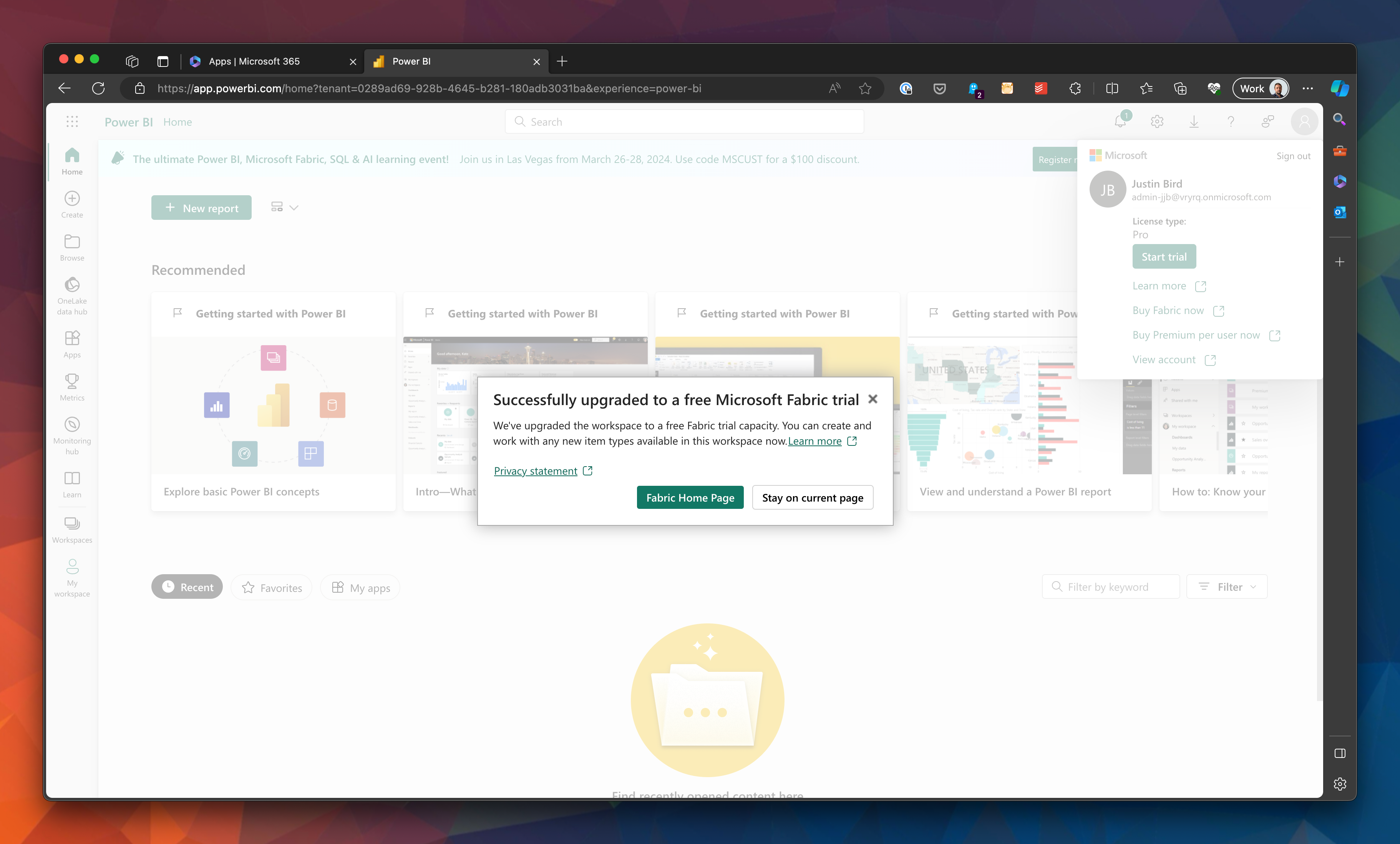
Now you can open Fabric home:
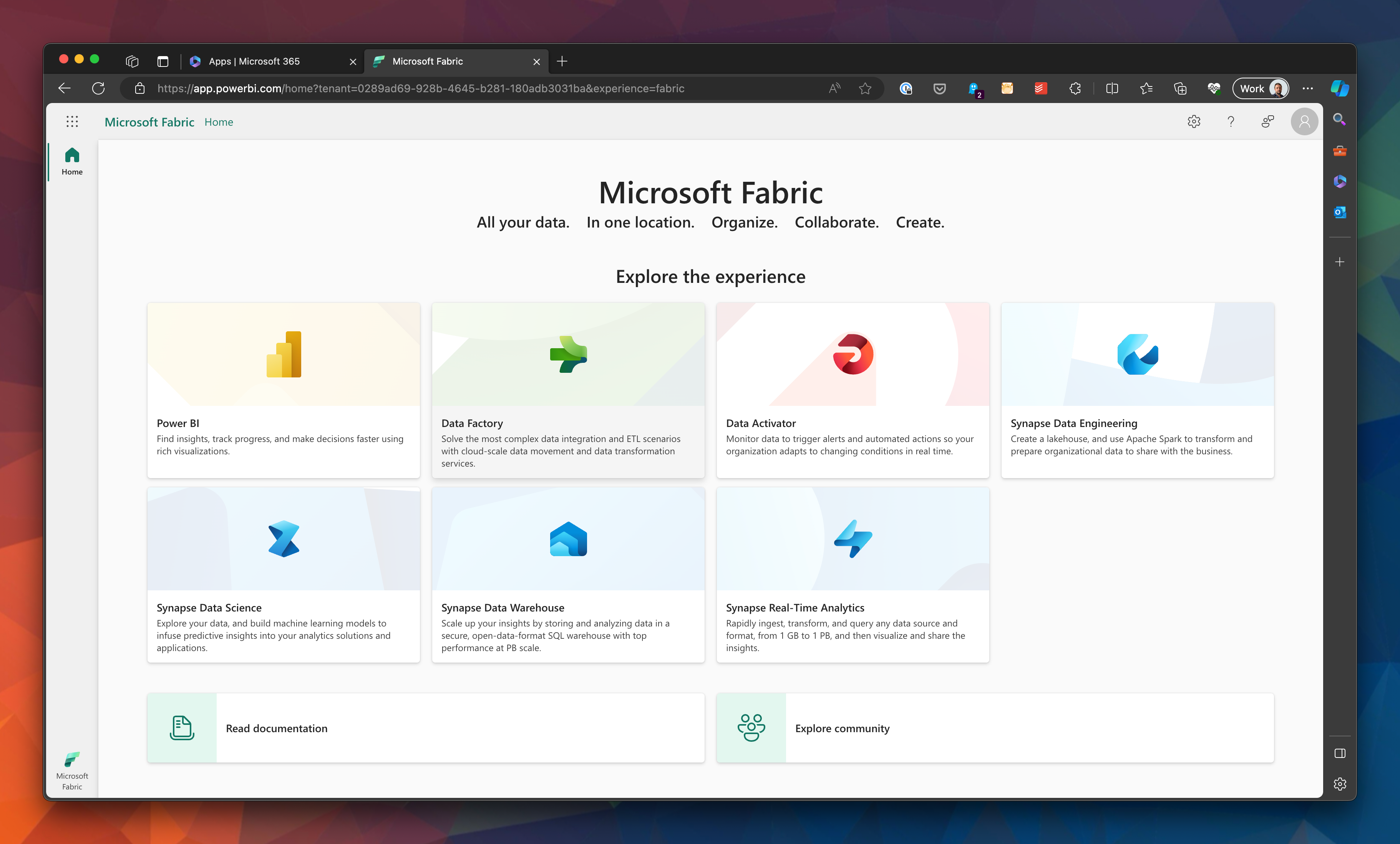
And now you have access to Microsoft Fabric.
What Next?
Now it’s time to get started with the introductory modules on Microsoft Learn .
Useful Links
#mtfbwy
Comments